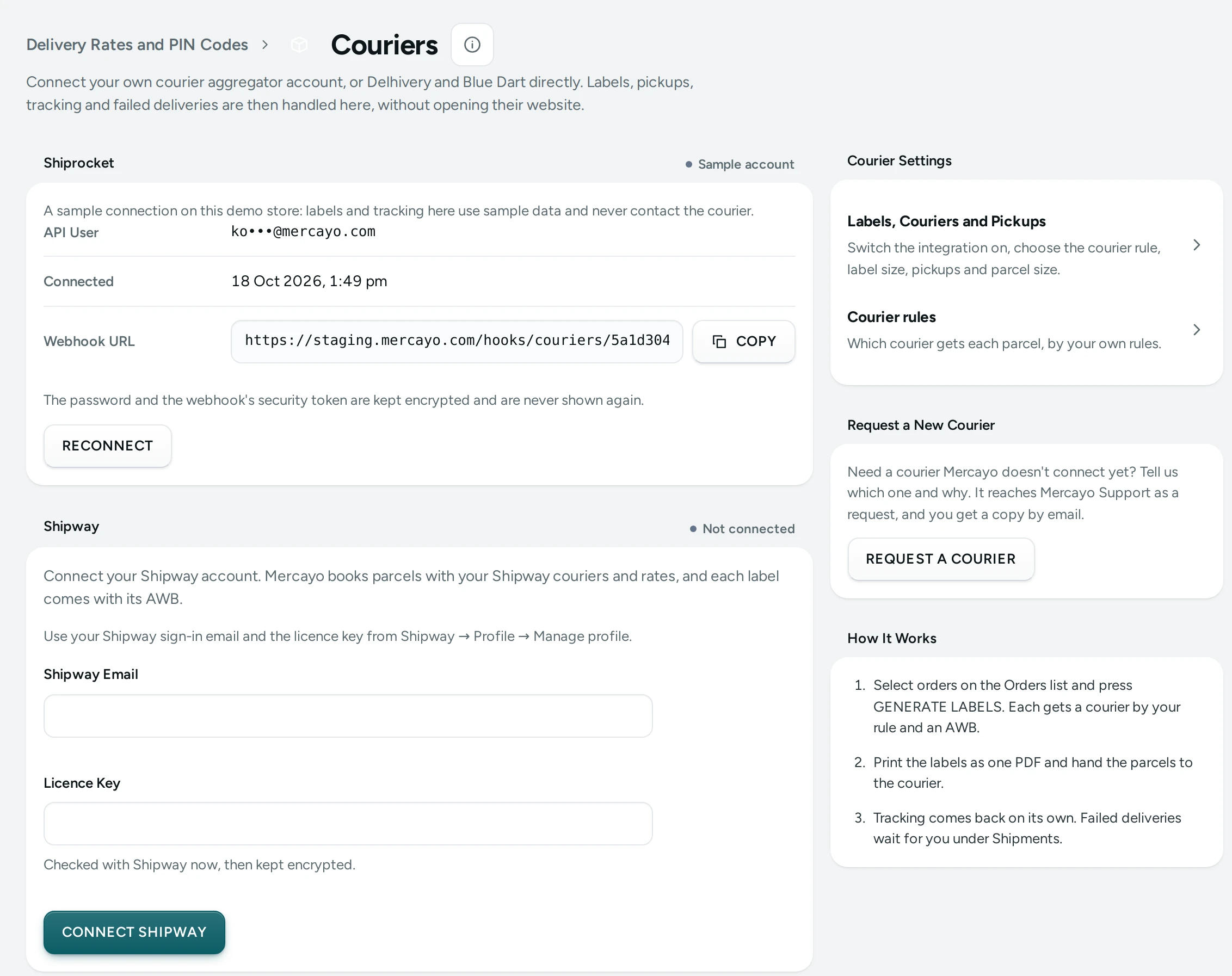
Mercayo connects Shiprocket and Shipway, and your own Delhivery and Blue Dart accounts. When you need another courier, ask for it from the admin: the request goes to Mercayo Support with your store attached, and the team that builds courier connections sees your volume and reasons. Anyone who can see settings can send one.
Send a Request
- Open Settings › Couriers.
- On the Request a New Courier card, press REQUEST A COURIER. On a phone it opens as a sheet from the bottom.
- Fill in:
- Courier: its name, such as DTDC, Ecom Express or a local courier.
- Parcels a Month: roughly how many you would send with it (or Not sure).
- Their Website (Optional): starting with https://.
- Why This Courier: where it serves your customers better, its rates, or that customers ask for it (at least 10 characters).
- Press SEND REQUEST. The button shows "Sending…" at once.
The card then says "Request #… is with Mercayo Support. We've emailed you a copy." with VIEW REQUEST, which opens it under Help › Contact Mercayo Support, where Mercayo's answers arrive.
What Happens Next
- The request is a support request about Shipping, titled "New courier: …", answered within your plan's support days.
- Your store's Activity Log shows "Asked Mercayo for the courier …".
- The same courier can be asked once a week while its request is open; add to the open request instead.
Until the courier is connected, you can still ship with it: add it under Own Couriers, print a self-ship label, and add each parcel's tracking number.