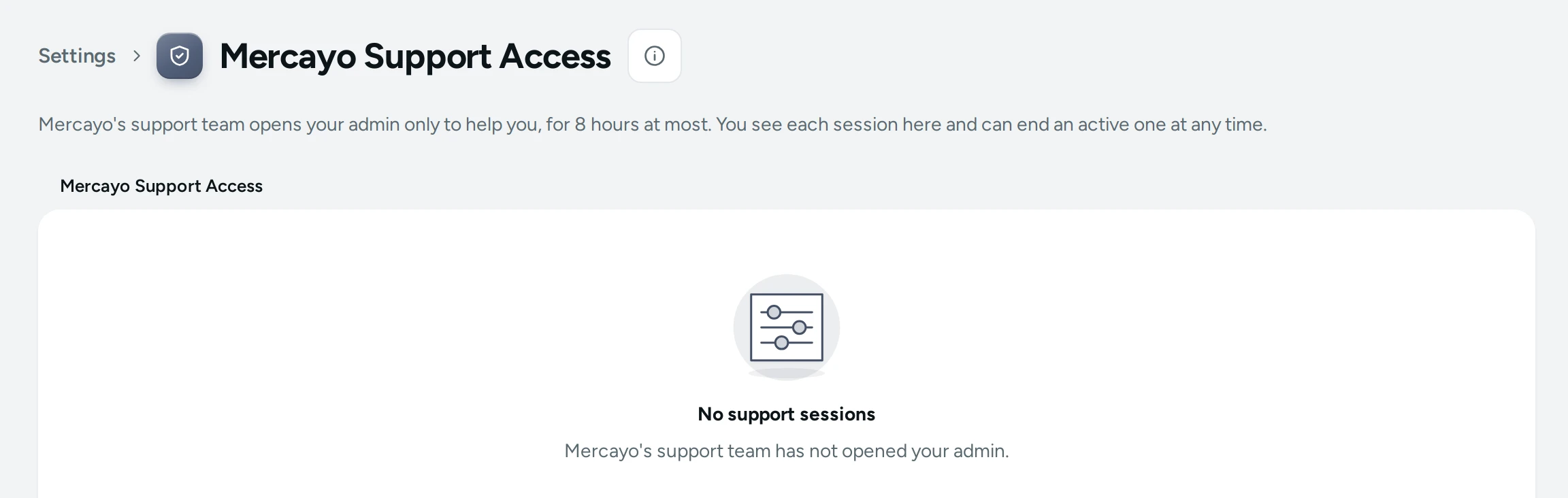
Sometimes the quickest way to fix a problem is for someone at Mercayo to look at your admin with you. Mercayo's support team never needs your password for that: "Mercayo's support team opens your admin only to help you, for 8 hours at most. You see each session here and can end an active one at any time." Open Settings › Mercayo Support Access (also SUPPORT ACCESS on the admin's Help page). Seeing sessions needs the right to see the activity log ("Seeing support sessions needs the activity log right. Ask the store owner."); ending one needs the owner or an admin.
How a Support Session Works
- You write to Mercayo's support and ask them to look ("Ask us for it when you write.").
- A support team member opens a session for your store with a reason, either Full access (to fix things) or View only.
- It works through a single-use link that must be opened within 10 minutes, on Mercayo's separate support address. It never uses your sign-in and never signs you out.
- While it is open, the support person sees a bar across your admin with your store, the access and when it ends, and can end it.
- It ends by itself after 8 hours at most, or when you, they or Mercayo end it.
By default the store owner also gets an email when a session starts.
The Sessions List
"When Mercayo's support team opened your admin: who, why, and what they changed." Each session shows:
| Item | Meaning |
|---|---|
| Mercayo support (name) | Who opened it |
| Why | The reason given ("No reason given." if none) |
| Full access or View only | What the session could do |
| State | Active, Not opened yet ("Link not opened") or Ended |
| Opened, Ends, Ended | The times, and whether it was Ended by your team or Ended by Mercayo |
| Changes made | Each change saved during the session (what and when), or "No changes made." |
Changes made in a session also carry the support person's name where your admin shows who did something (order and exchange histories, stock movements): "Mercayo support (name)".
With no sessions: No support sessions, "Mercayo's support team has not opened your admin."
End a Session
Press END SESSION on an active one and confirm in End This Support Session: "Mercayo's support team loses access to your admin at once." "The support session has ended." Only the store's owner or an admin can end a session ("Only the store's owner or an admin can end a session.").
Good to Know
- A View only session cannot change anything: your admin refuses every change from it.
- Even in Full access, the owner's own powers (the plan and billing, handing the store over, closing the store), payment settings, managing staff and exporting customers are withheld unless Mercayo's owner explicitly allows them for that session.
- Mercayo keeps its own permanent record of every support session (who, which store, why, when), separate from this list.
Questions
Does Mercayo need my password to help?
No. Never share your password with anyone, including Mercayo. Support uses its own single-use link.
Can support see my customers' data?
During a session, support sees what the admin shows for the access given. Ask for View only if you only want them to look.
Can I stop Mercayo from opening my store?
Mercayo opens a store only to help with something you asked about, and you can end any session at once. If something here looks wrong, write to Mercayo's support or security address.