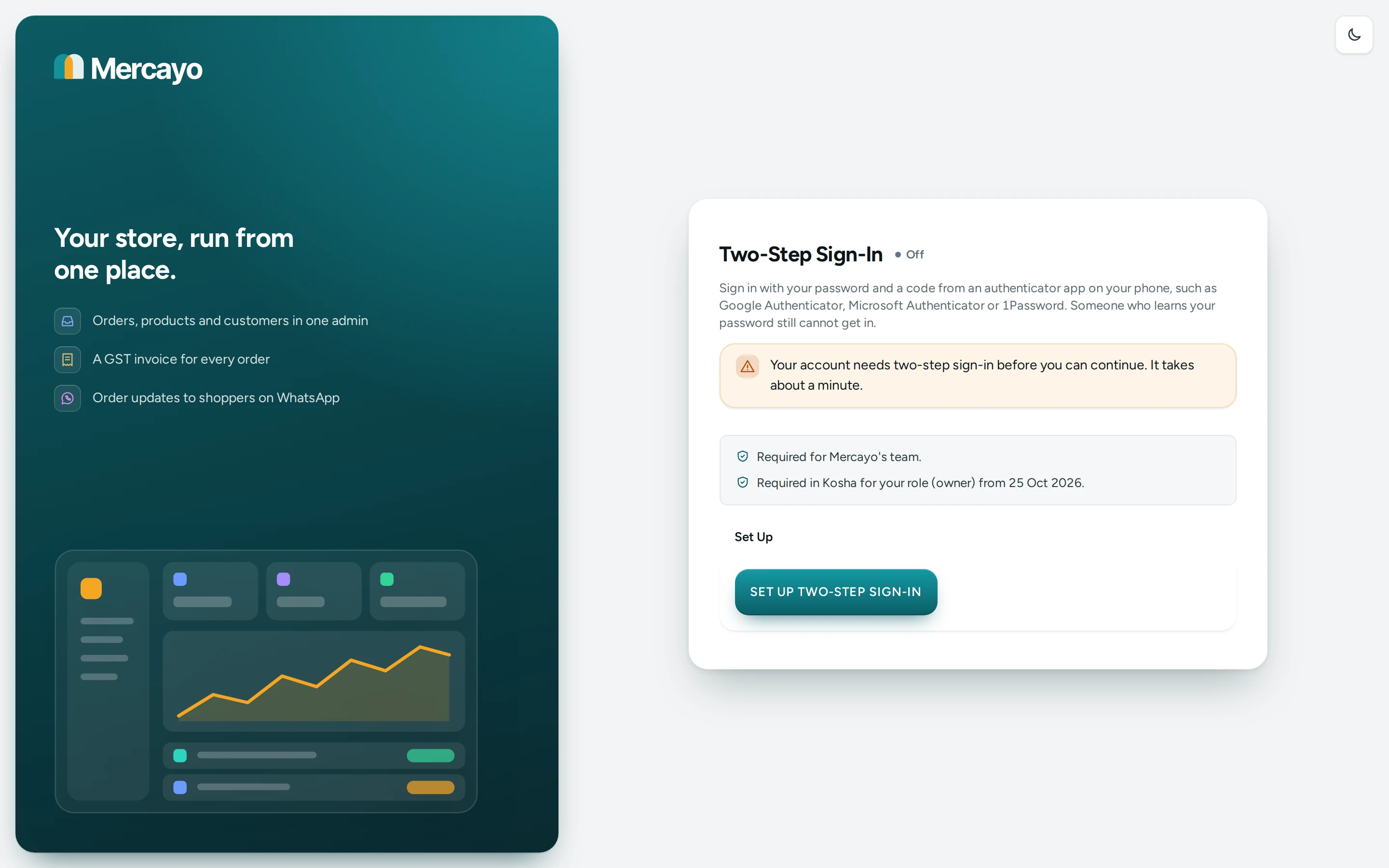
Two-step sign-in means you sign in with your password and a 6-digit code from an authenticator app on your phone, such as Google Authenticator, Microsoft Authenticator or 1Password. Someone who learns your password still cannot get in. It is set up once per person (not per store), and applies to every store you are on.
Open it from your account menu (your name at the foot of the side menu; on a phone, the More sheet): Two-step sign-in.
When It Is Required
Each store decides who on its team must use it, in Settings › Sign-In and Security › Two-Step Sign-In:
| Setting | Choices | Default |
|---|---|---|
| Two-step Sign-in Required For | Owners and admins, Everyone on the team, The owner only, Nobody (each person chooses) | Owners and admins |
| Days to Set Up Two-step Sign-in | 0 to 30 days; 0 means at their first sign-in | 7 days |
When your role needs it and you have not set it up, a banner on every screen says "Set up two-step sign-in by … to keep working in this store." with SET UP. Once the days are over, the admin sends you to set it up before you can continue ("Your account needs two-step sign-in before you can continue. It takes about a minute."). Anyone who has set it up always signs in with it, whatever the store requires. Mercayo's own team always must use it.
Set It Up
- Install an authenticator app on your phone.
- Open Two-step sign-in and press SET UP TWO-STEP SIGN-IN.
- 1. Scan this QR code with your authenticator app. If you cannot scan, use COPY KEY and type the key into the app ("Cannot scan it? Type this key into the app:").
- 2. Enter the 6-digit code the app now shows for Mercayo. Press TURN ON.
- Save Your Recovery Codes: ten codes, shown only now. COPY, DOWNLOAD or PRINT them and keep them somewhere safe, such as a password manager or a printed page. Tick I have saved my recovery codes and press CONTINUE.
"Two-step sign-in is on." The page then shows On since the day you turned it on, and how many recovery codes are left ("Recovery codes left: 10 of 10.").
Using It When You Sign In
After your email and password, the Two-Step Sign-In step asks: "Enter the 6-digit code from your authenticator app." Type the code and press VERIFY.
- Lost your phone? Press Use a recovery code instead, type one of your saved codes and press USE RECOVERY CODE. Each code works once, and using one removes your authenticator so you can set up a new phone straight away ("Recovery code accepted. Set up two-step sign-in on your new phone now.").
- Too many wrong codes lock the step for some minutes: "Too many wrong codes. Try again in … minutes."
- Lost your phone and your recovery codes? "Contact Mercayo support. We check who you are before we reset two-step sign-in."
Manage It
Under Your Authenticator:
- SET UP A NEW PHONE: moves two-step sign-in to another phone or app. The old one stops working once the new one is on.
- NEW RECOVERY CODES: ten new codes. The old ones stop working at once. When you are running low the page says "You are running out of recovery codes. Make new ones and save them."
- TURN OFF: enter a code from your authenticator app to turn it off; your recovery codes stop working. Not possible when your role in a store requires it ("Two-step sign-in is required for your role, so it cannot be turned off.").
Questions
Does two-step sign-in cost anything or need SMS?
No. The codes come from an app on your phone and work without a signal.
Do I set it up for each store?
No. It is set up once for your account and used for every store you are on.
Can a store owner turn it off for me?
The owner decides who must use it. If you set it up yourself, it stays on for you until you turn it off.
Why are my codes always rejected?
Check that your phone's clock is set automatically: authenticator codes depend on the time.