Early access lets your members buy a new product, or every product of a collection, before everyone else: a reason to sign in and a reward for your best customers. Until the date you pick, only signed-in shoppers, or only members of the rewards tiers with early access, can buy it. Everyone else still sees it, with "Coming soon for everyone on" and the date, and cannot put it in the bag.
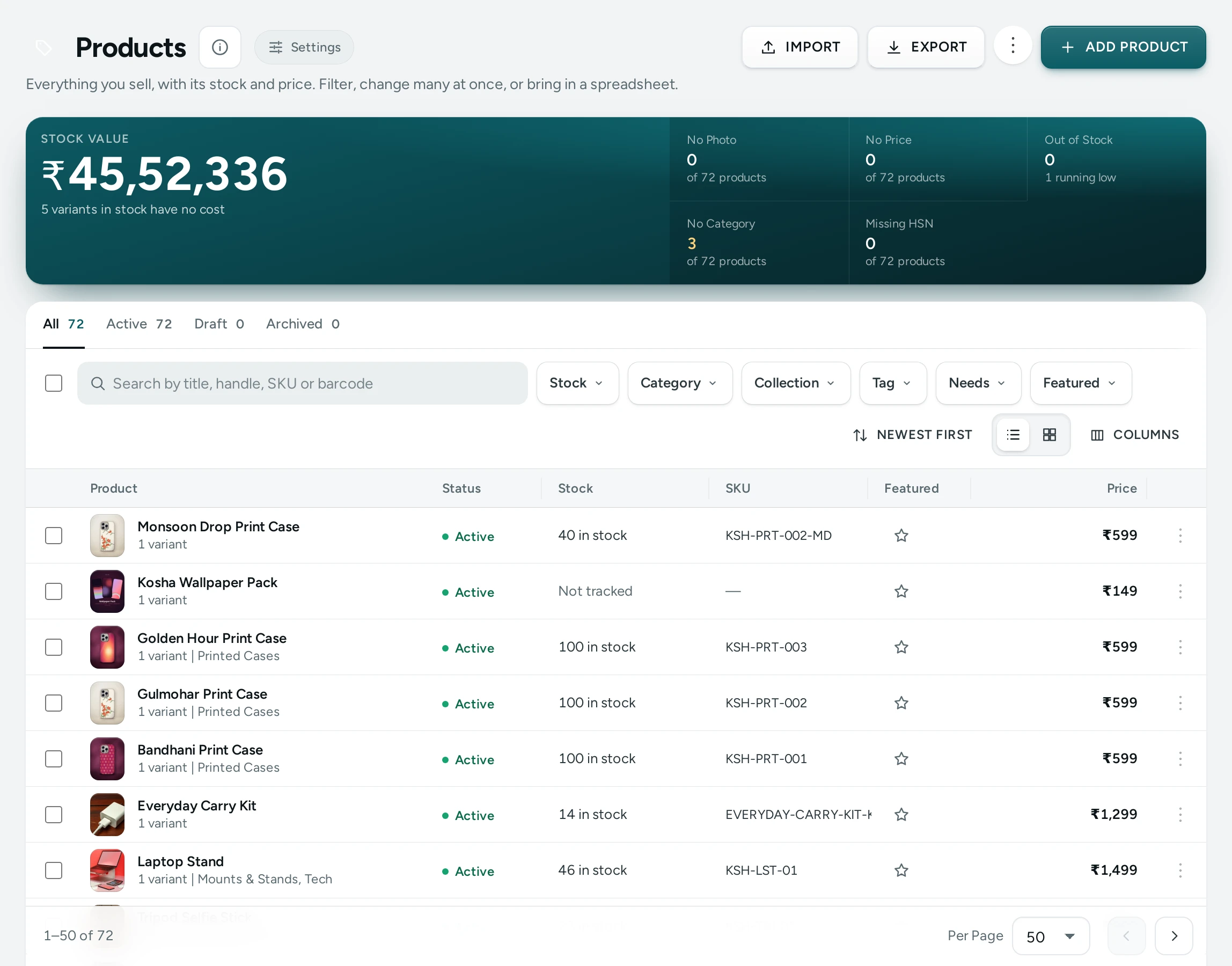
Give a Product Early Access
- Open the product in the product editor and find the Early Access card.
- Under Open to Everyone On, pick the date and time (India time, up to 90 days ahead).
- Under Who Can Buy Before Then, choose Every signed-in shopper, or Rewards tiers with early access (the tiers you ticked on Rewards).
- Press SAVE. The card shows "Members until …".
END EARLY ACCESS opens it to everyone now. The card also says when a collection gives the product early access.
A Whole Collection
On a collection's page, the Early Access section does the same for every product in it, including products added later and those that join a collection by rules.
What Shoppers See
- Everyone sees the product with an Early Access label, "Coming soon for everyone on 16 November 2026" and who can buy now.
- A shopper who is not signed in sees SIGN IN TO BUY when every signed-in shopper may buy, or COMING SOON for tiers.
- A member who may buy sees "You have early access: you can buy it now" and ADD TO BAG.
- On a collection with early access, its page says so above the products.
On the date, the product opens to everyone by itself.
Fast Pages
The page everyone gets is the same, so it is still served from the cache: a member's browser asks after the page loads whether they may buy, and the button turns on. The page refreshes itself on the date. Adding to the bag and placing an order are checked by Mercayo's server too, so nobody can buy early by going around the page.
Questions
Can staff still sell it early?
Yes. An order made by your team is never stopped.
Does early access hide the product?
No. Everyone can see it and its price; only members can buy it before the date.
Can a shopper in a lower tier buy it?
Not with Rewards tiers with early access: only members of a tier with early access can, while rewards are on.