A designed product's price is the variant's own price plus what the design adds. The Product Designer adds three kinds of price, in this order:
- Each print area used: its Price When Used, set on the product's Designer screen (once, however much is in it).
- Each priced art piece placed: its own price, set in Designer Art.
- Your price rules, in the order you list them, each up to its own cap.
Each one is a line the shopper sees under the price as they design ("Back: + ₹99", "Photos: + ₹40") and again in Check Your Design, the bag and the order. The live price is worked out on the shopper's phone; when the design goes in the bag Mercayo works it out again on its server, and that is the price charged. Offers and codes never discount the design's part of the price.
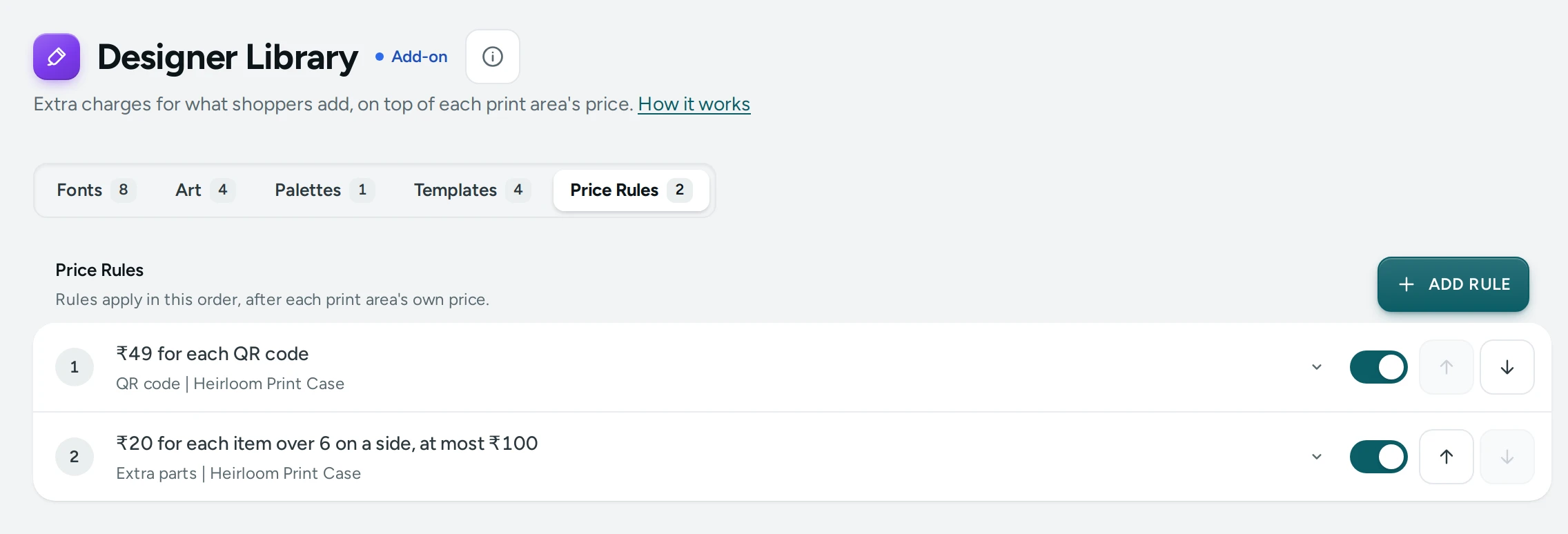
Make a Rule
- Open Products › Product Options › Designer Library and choose Price Rules.
- Add a rule and give it the label shoppers see (up to 60 letters): "Back Print", "Extra Photos".
- Choose when it applies (the five kinds below) and the number over which it starts, where it has one.
- Choose the amount: rupees, or a percentage of the variant's price.
- Choose each (for every one counted) or once (a single charge when there is at least one).
- Set a cap if the rule should never add more than an amount.
- Choose the product it is for, or every product with the designer, and SAVE.
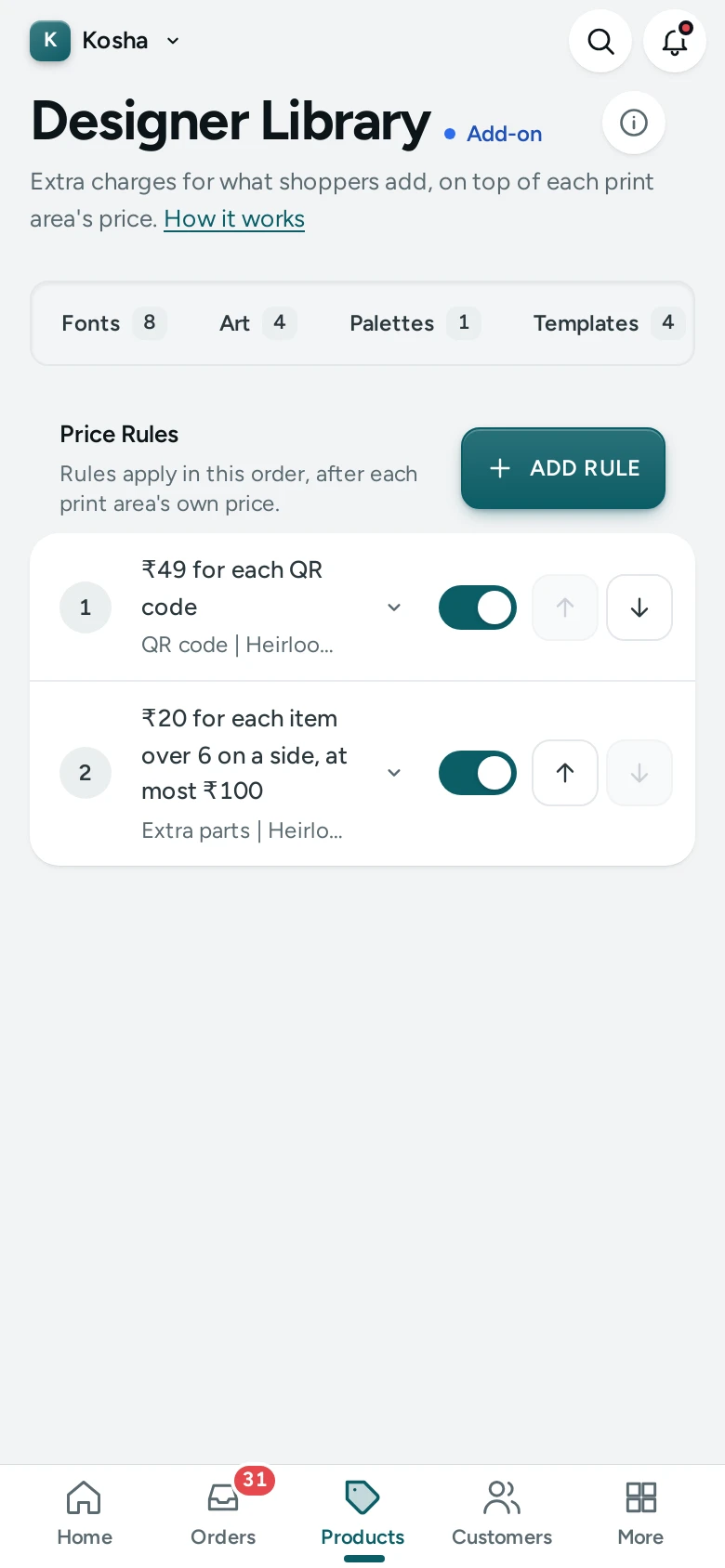
Switch a rule off to stop it without deleting it, and move rules into the order they apply. A store has up to 50 rules.
The Five Kinds of Rule
| Rule | What it counts | Example | A design with | Adds |
|---|---|---|---|---|
| Per side | Each side with anything on it, or only one side you name | ₹49 for each side | Front and back | ₹98 |
| Per kind | Elements of one kind: text, photo, art, shape or QR code | ₹20 for each photo | 3 photos | ₹60 |
| Per letter over N | Letters in all its texts beyond N | ₹2 a letter over 10 | 16 letters | ₹12 |
| Per colour over N | Colours on each side beyond N | ₹30 a colour over 2 | 4 colours on the front | ₹60 |
| Per element over N | Elements on each side beyond N | ₹15 each over 5 | 7 on the front, 2 on the back | ₹30 |
How things are counted:
- Letters: every character typed, spaces too; line breaks, Hindi's vowel signs and the like are not counted on their own (the same count as an area's letter limit).
- Colours: the colours of texts, shapes, QR codes and art on that side, each counted once. A screen printer's price often rises with each colour: this rule follows it.
- Hidden layers are never counted.
Rupees or a Percentage
An amount in rupees is the same on every variant. A percentage follows the variant's own price, rounded to the paisa: 10% on a ₹599 tee is ₹59.90, on the ₹799 hoodie ₹79.90. Use it when bigger sizes cost more to print.
Each, Once and a Cap
- Each charges for every one counted; once charges a single amount when the count is at least one. "₹40 once for any QR code" adds ₹40 for one or for three.
- A cap stops a rule from adding more than its amount: "₹2 a letter, at most ₹60" charges ₹60 for 45 letters.
Examples
- A tee printed front and back: Front area ₹0 (it is in the tee's price), Back area ₹149.
- A photo case: "Per kind, photo, ₹49 once" for the print, art free.
- Screen printing: a colour limit of 4 on the area, and "Per colour over 1, ₹40 each".
- Names on mugs: "Per letter over 12, ₹3 each, cap ₹60".
Questions
Is GST worked on the design's price?
Yes. The design's price is part of the line's price, and GST is worked on the whole line at the product's rate.
Can I see what a shopper paid for each part?
Yes. The order keeps the design and its price as they were when it was placed; changing a rule later never changes an order.