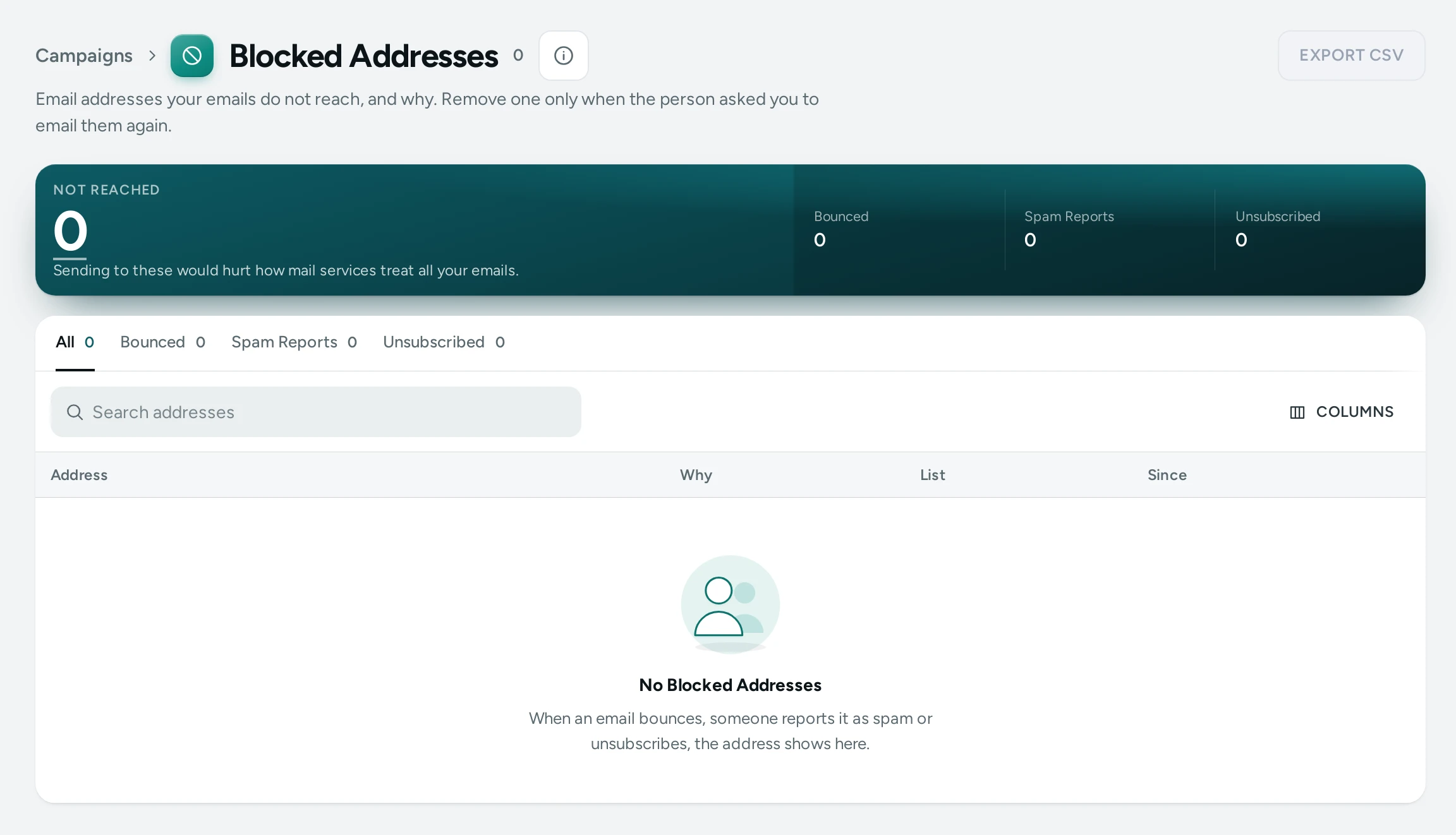
Some addresses stop getting your emails, by themselves, to protect every email you send. Marketing › Blocked Addresses lists them with the reason and the date. Seeing the list needs the right to see customers; removing an address needs the right to change customers.
Why an Address Is Blocked
| Reason | What Happened | What It Stops | List |
|---|---|---|---|
| Bounced | An email to it came back because the mailbox does not exist (a hard bounce) | Every email, order emails too | Every store |
| Reported as Spam | The person marked one of the emails as spam | Every email, order emails too | Every store |
| Unsubscribed | The person unsubscribed from your marketing emails (the link at the bottom, or their mail app's) | Campaigns and reminders; order emails still reach them | Your store |
Every store means the address is held back for every store on Mercayo: sending to a dead mailbox or to someone who reported spam makes mail services treat all emails from the same senders as junk. Only your own customers, subscribers and the people you emailed are shown to you. Addresses your own email account reported (when your store sends from its own email account) show under Your store.
A full or busy mailbox (a soft bounce) is not blocked: it is tried again.
Find and Export
- The tabs show All, Bounced, Spam Reports and Unsubscribed, each with its count.
- Search addresses finds part of an address.
- EXPORT CSV saves the list as it is filtered, with the address, the reason, the list and the date (India time). It opens in Excel or Google Sheets.
Remove an Address
Remove one only when the person asked to hear from you again, for example by writing to you or signing up again in person.
- Press the address (or its ⋮ menu on a computer, then REMOVE FROM LIST).
- The dialog says when and why it was blocked, and what removing does.
- For a spam report, tick This person asked me to email them again.
- Press REMOVE FROM LIST. The button shows it is working and the dialog stays open until it is done.
What removing does:
- Bounced or Reported as Spam on the list of every store: your store's emails reach the address again; it stays blocked for other stores. If an email to it bounces again, it is blocked again.
- Unsubscribed: they get your marketing emails again.
- Your own email account's bounce: your emails reach it again.
Each removal is written in Settings › Activity Log with who removed which address.
Questions
A customer says they never got their order email. Is their address blocked?
Search for it here. If it bounced, the address may have a typo: correct it on the customer's page, or ask them for a working one. Removing a bounced address only helps if the mailbox exists again.
Why can I not remove a spam report without the tick?
Emailing someone who reported you, without their fresh permission, is likely to be reported again and harms how mail services treat all your emails. The tick records that they asked.
Does Mercayo ever add addresses by hand?
Mercayo's team can block an address for every store, for example a known trap address; it shows as Blocked by Hand.