Shoppers can ask a question on any product page ("Does this fit the Galaxy S24 with a screen guard?"). Your answer, published under the question, helps the next shopper too, and answers the same doubt before it costs you a sale. Open Marketing › Reviews › Questions: "What shoppers ask on product pages. Answer and publish them to show them there."
Anyone who can see reviews can read questions; answering needs the right to approve reviews and answer questions ("You can read questions here. Answering them needs the right to moderate reviews.").
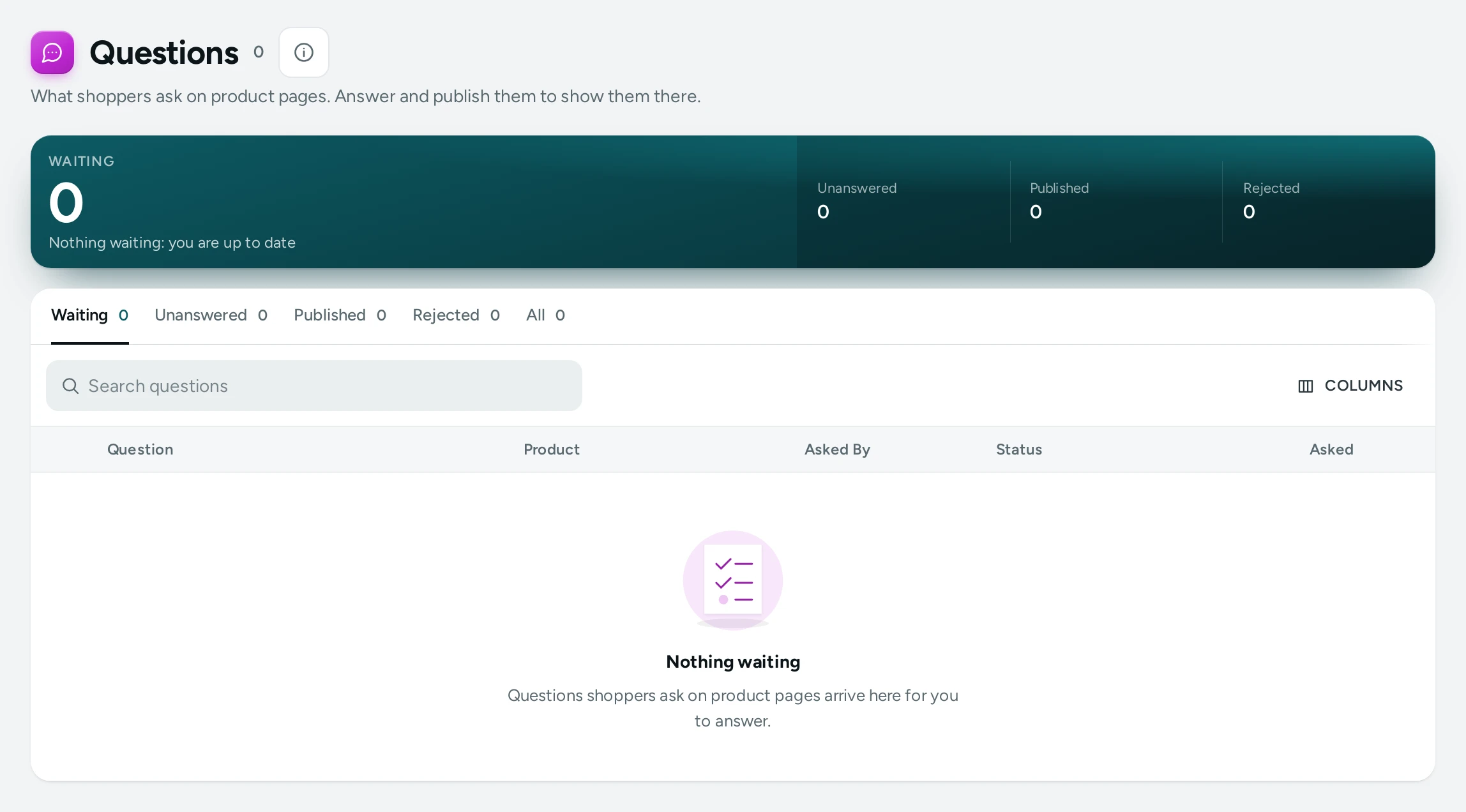
The List
Views Waiting, Unanswered (no answer yet, not rejected), Published, Rejected and All, with Search questions. Columns: Question, Product ("A removed product" when it was deleted), Asked By (a name, or Signed-in shopper), Asked and Status (WAITING, PUBLISHED, REJECTED). New questions also show on Home under Questions to answer.
Answer a Question
- Press Answer on the row (or Open a question).
- Answer the Question shows the question exactly as the shopper wrote it and who asked.
- Write the Answer from your store: "Write the answer shoppers will see under the question."
- SAVE AND PUBLISH shows the question and answer on the product page at once. SAVE ANSWER keeps the answer without publishing.
Other Actions
- PUBLISH / UNPUBLISH: show or take a question off the product page.
- REJECT: it will not show on the store.
- DELETE: "It leaves the product page and this list for good. This cannot be undone."
- Select several rows ("3 selected") to publish or reject them together.
If a teammate changed the same question a moment before you: "Someone else changed this question just now. The list is up to date again; please check it and try again."
Settings
In Settings › Reviews and Questions › Questions and Answers:
| Setting | What It Does | Default |
|---|---|---|
| Questions and Answers | Shoppers ask questions on product pages and you answer them there | On |
| New Questions | Wait for me: a question shows once you publish it. Show at once: it shows straight away, marked as waiting for an answer, and you can hide it | Wait for me |
A shopper can ask 3 questions in 10 minutes, which keeps floods out.
Questions
Should new questions show at once?
Wait for me keeps spam and off-topic questions off your pages. Show at once looks livelier but needs you to watch the list.
What if every shopper asks the same question?
Answer it, then add the answer to the product's description or its product page details so the next shopper sees it straight away. See Product Stories and Facts.