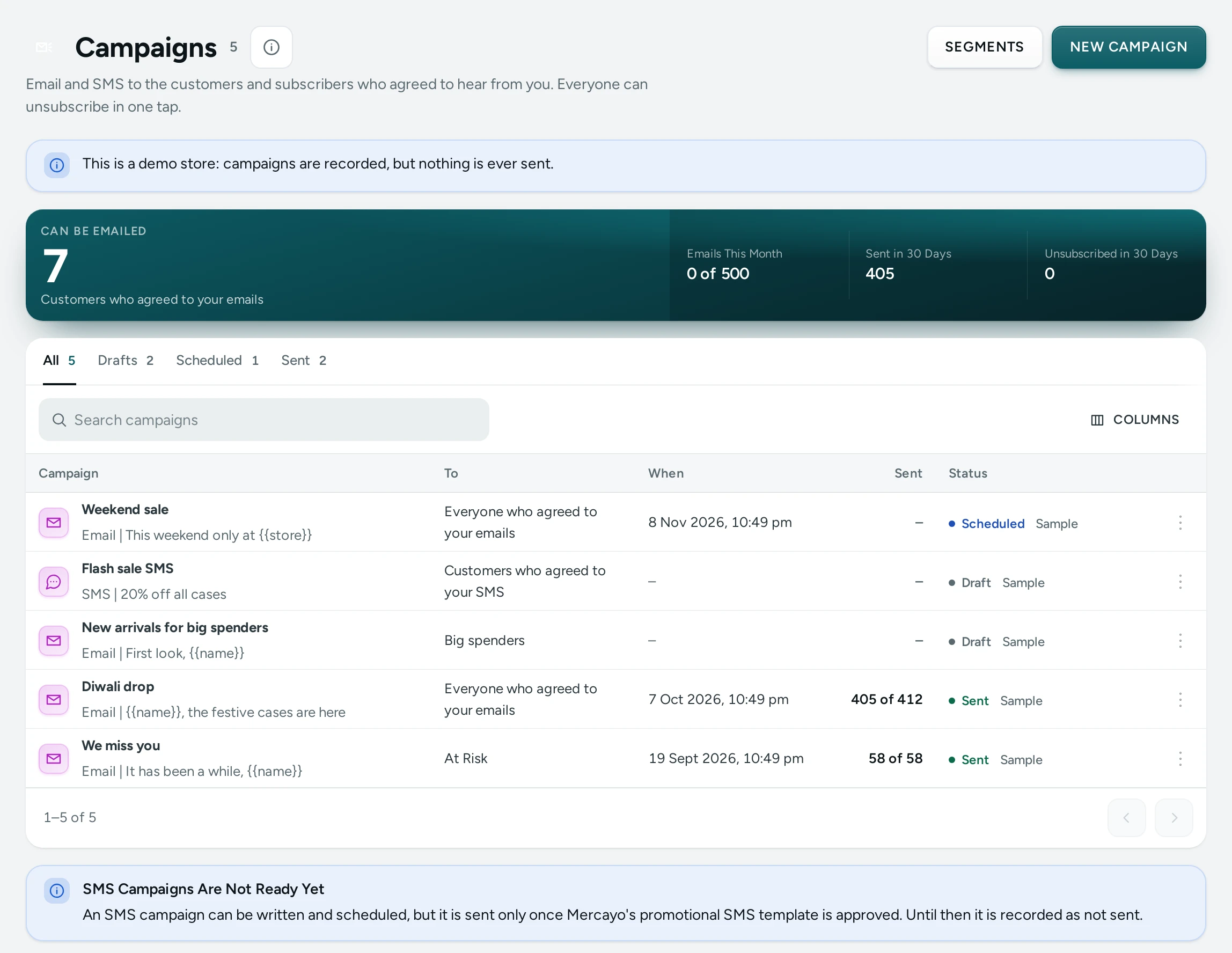
Open Marketing › Campaigns and press a campaign that went. Under its summary (Recipients, Sent, Failed) the Opens and Clicks card shows what happened to its emails. The figures fill in as people open and click, so look again a day or two later. Seeing the report needs the right to see customers.
The Figures
| Figure | What It Counts |
|---|---|
| Delivered | Emails the receiving mail service accepted, as the email provider reports it. "Not reported yet" until the provider says. |
| Opened | People who opened it at least once (a person who opens it five times counts once), with the share of delivered emails. |
| Clicked | People who clicked any link at least once. |
| Orders After a Click | Orders whose shopper's last click on any campaign email was on this one, at most your window before the order, and their total. |
| Bounced | Hard bounces (the address does not exist; it gets no more email) and soft bounces (a full or busy mailbox; tried again). |
| Spam Reports | People who marked the email as spam. They get no more email from your store. |
| Unsubscribed | People who unsubscribed after this campaign. |
Why Opens Are Estimated
Opens are counted by a tiny, invisible picture at the end of each email: when a mail app loads it, the email was opened. Two things blur this:
- Apple Mail loads every picture of every email it receives, as soon as it arrives, to protect its users' privacy. Those loads are not people reading; Mercayo recognises them and counts them apart. The card says how many emails were opened only that way, and they are not in Opened.
- Some mail apps never load pictures until the reader allows it, so a person can read your email without it counting.
So the true number of readers is close to Opened, never exactly it. Clicks are firmer: a click is a person choosing a link. Security scanners in some company mailboxes click every link of an email the moment it arrives; those clicks are left out too.
Clicks by Link
Below the figures, Clicks by Link lists each link of the email (the button, a picture's page, your logo, the footer's links) with how many people clicked it and how many clicks it had. Use it to see what people wanted: if the button was clicked less than a picture, lead with the picture next time.
Every link passes through your store's own address for a moment before it opens the page, and keeps its campaign marks (utm_source, utm_medium and utm_campaign), so your store's traffic reports show the visits too.
How Orders Are Counted
When someone clicks a link in a campaign email and then places an order with the same email address within your window, the order counts for the campaign they clicked last. Each order counts once, for one campaign. Cancelled and unpaid orders are not counted. The window is Orders Counted For (Days) in the Campaigns settings card (5 days unless you change it).
The older Orders with the Code figure stays for campaigns with a discount code: it counts every order that used the code, clicked or not.
Settings
| Setting | Where | What It Does | Default |
|---|---|---|---|
| Count Opens | Campaigns card | The open picture in campaign emails | On |
| Count Clicks | Campaigns card | Links through your store's address, clicks by link, orders after | On |
| Orders Counted For (Days) | Campaigns card | How long after a click an order counts | 5 |
| Count Opens and Clicks of Order Emails | Settings › Notifications | The same for order and delivery emails | Off |
Questions
Why does a new campaign show no delivered emails?
The email provider reports deliveries a little after sending, and only once Mercayo's connection to it is set up for those reports. Opens and clicks are counted by Mercayo itself and show at once.
Is a test email counted?
No. SEND A TEST TO ME sends the email with its picture and links, but nothing it does is counted.
Can I see who opened it?
The report shows numbers, not people. A customer's own page shows the emails sent to them.